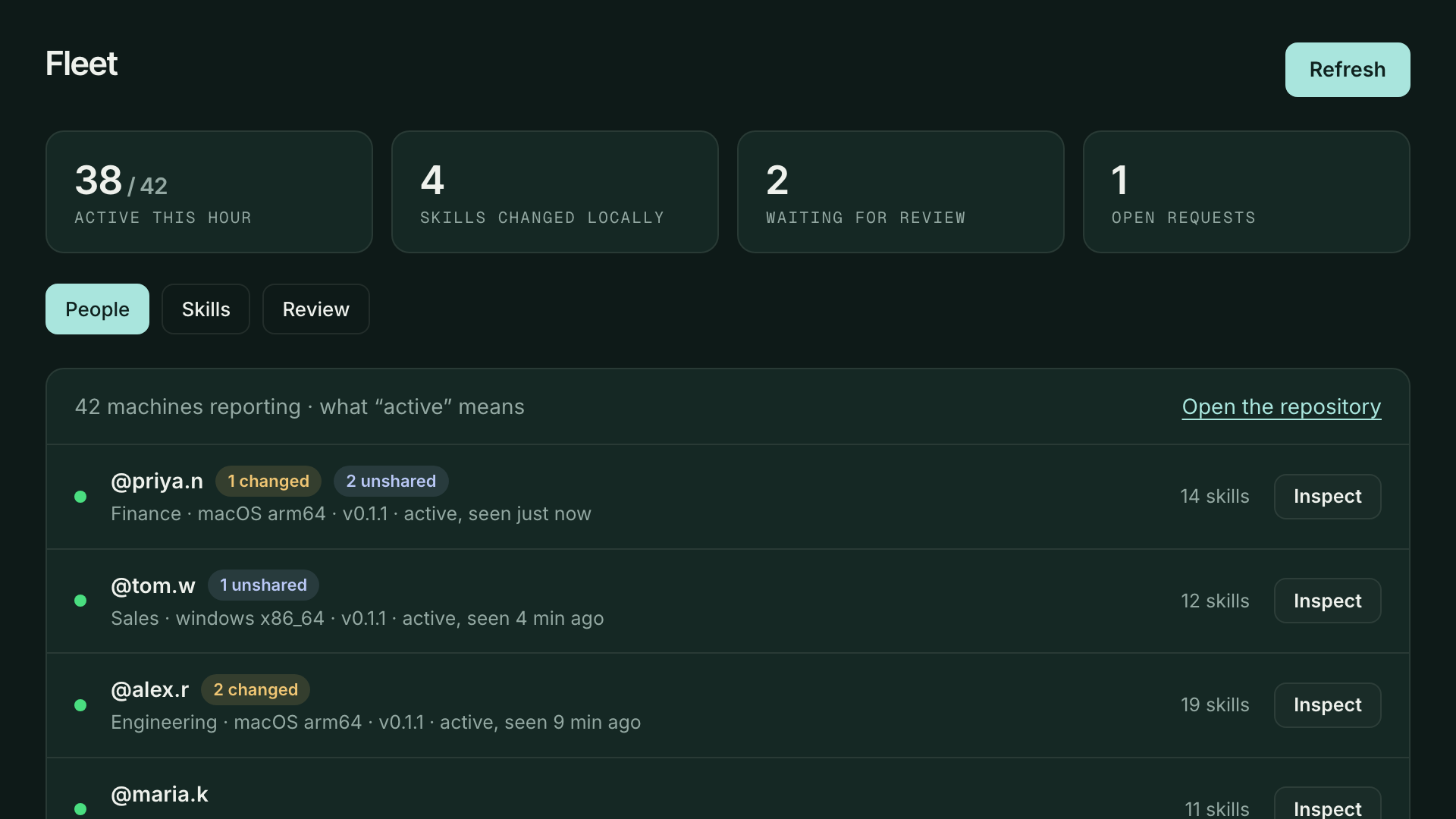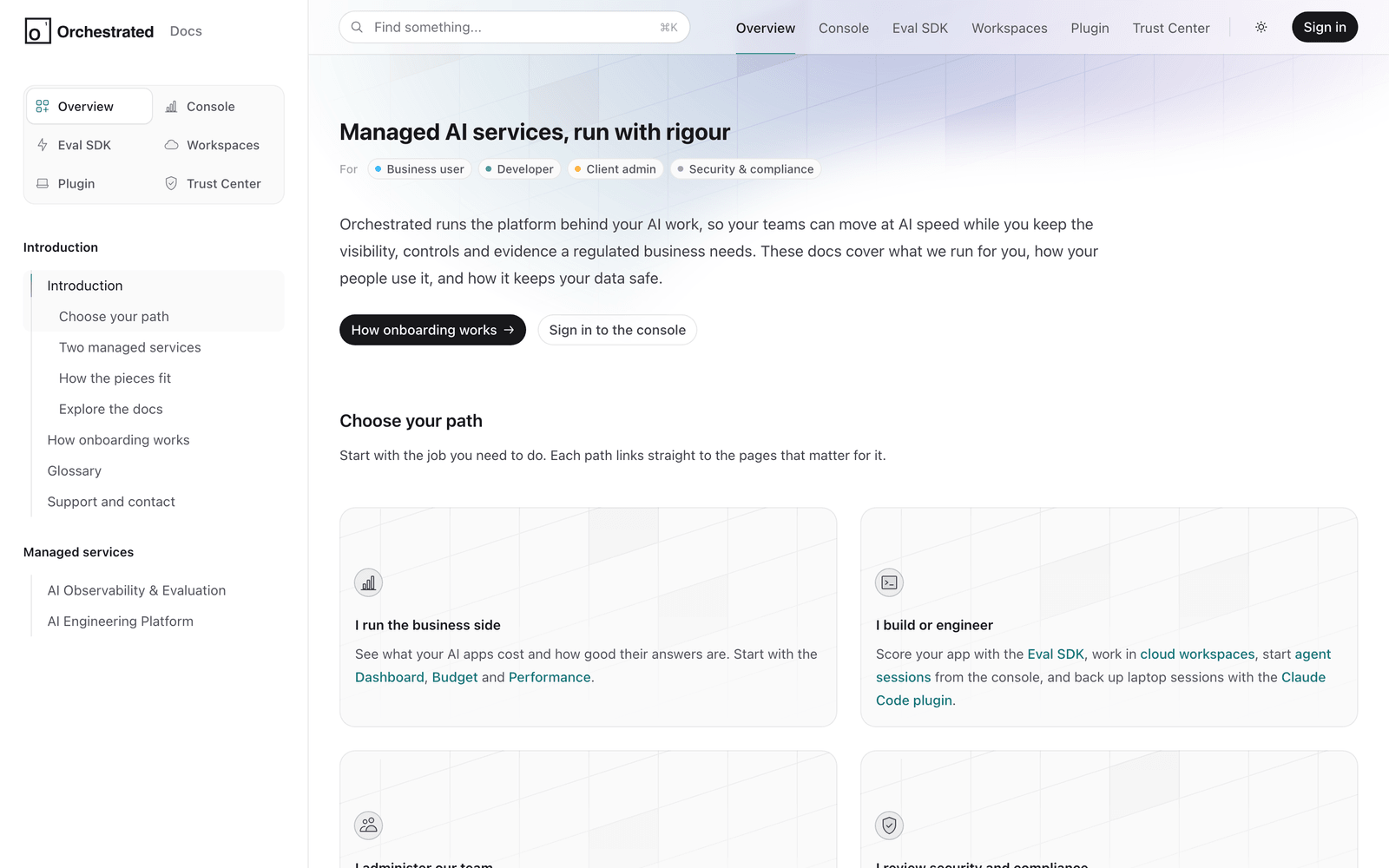
Orchestrated

Collaboration Hub

Shape software together. Ship it faster.

One shared workspace where product owners, stakeholders and clients give feedback on the live product, shape requirements with an AI business analyst and set the priorities, while AI agents and your team deliver.

In development · For product owners, stakeholders and delivery teams

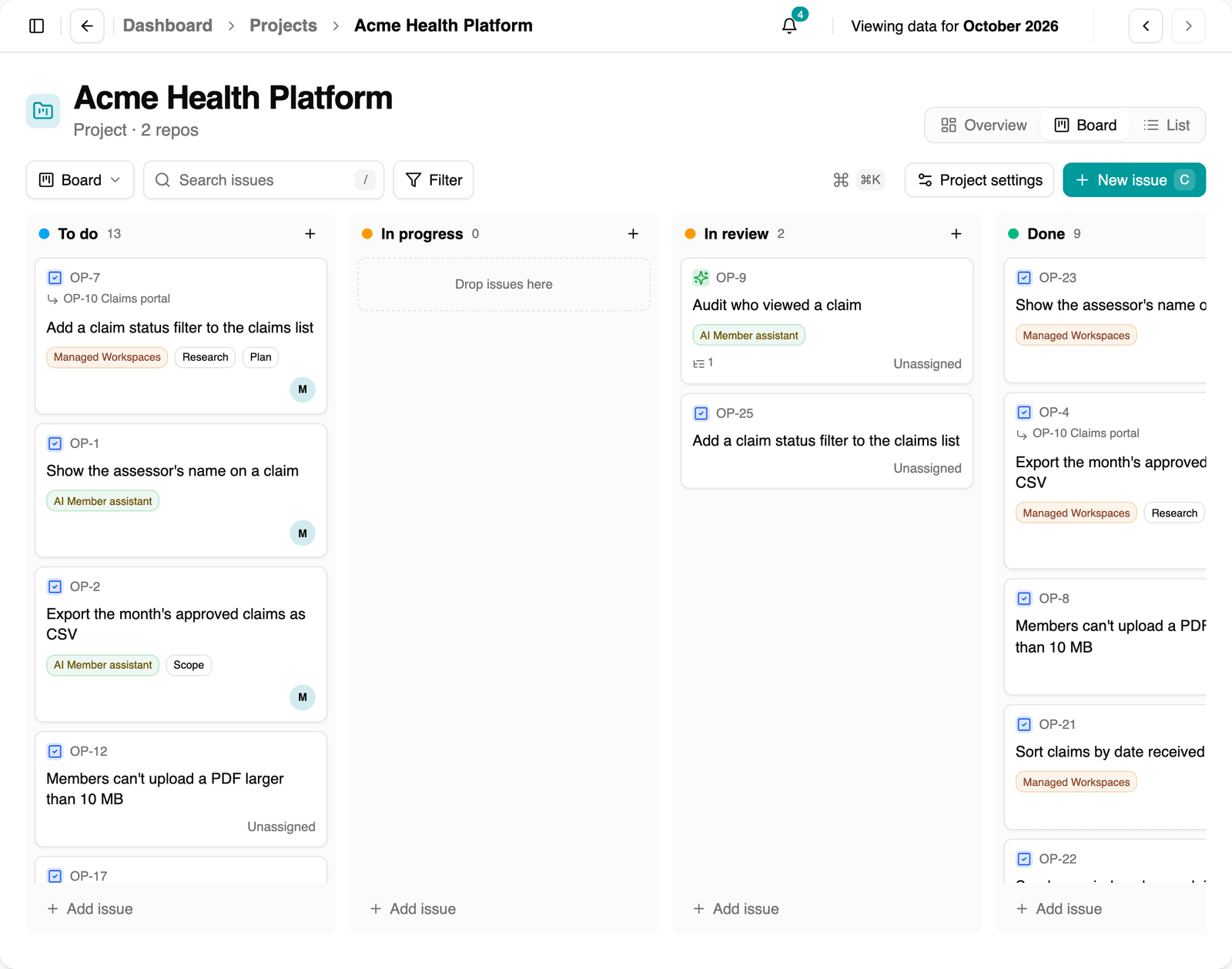
Collaboration Hub / board
A shared board of requests: columns for To do, In progress, In review and Done, each with request cards

From idea to working software

Every request takes the same clear path, and the people who asked for it can see it at every step.

  1. 01

    See it

    Product owners, stakeholders and clients open a private preview of the live product, shared only with the people you choose.

  2. 02

    Say it

    Point at anything on the page and say what you want, with screenshots. No separate tool for suggestions or bugs.

  3. 03

    Shape it

    An AI business analyst that knows the product asks the right questions, turns the request into clear requirements and can show a prototype of the outcome.

  4. 04

    Prioritise it

    Each request becomes an issue, and stakeholders order it against everything else in the mix.

  5. 05

    Ship it

    Send it for human review or straight into development. AI agents build it, and the result appears in the preview.

Features

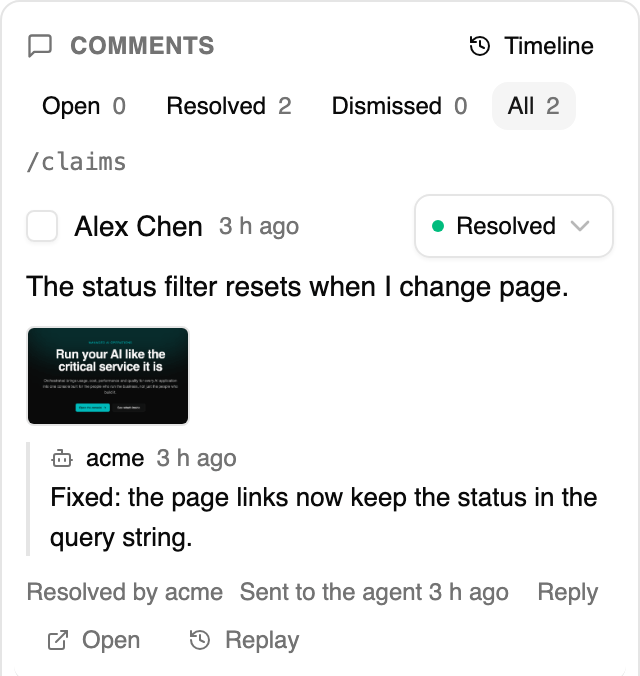
Collaboration Hub / comments
Collaboration Hub: feedback on the product

Feedback on the product

Feedback where the product is.

Product owners, stakeholders and clients comment directly on the working product, pinned to exactly what they mean, with screenshots. Nobody has to describe a screen from memory or chase a ticket in another system.

  • Comment on any part of any page
  • Screenshots and what the page was doing, captured automatically
  • A reply on every comment, so people know what happened
Collaboration Hub / conversation
Collaboration Hub: requirements

Requirements

Define requirements with an AI business analyst.

Describe what you need in plain language. The AI business analyst asks the questions a good analyst would, checks the request against how the product actually works, and turns the conversation into clear requirements, with a prototype to show what the outcome will look like.

  • Guided questions that draw out what’s really needed
  • Grounded in the product’s own code, so nothing is lost in translation
  • A working prototype to react to before anything is built
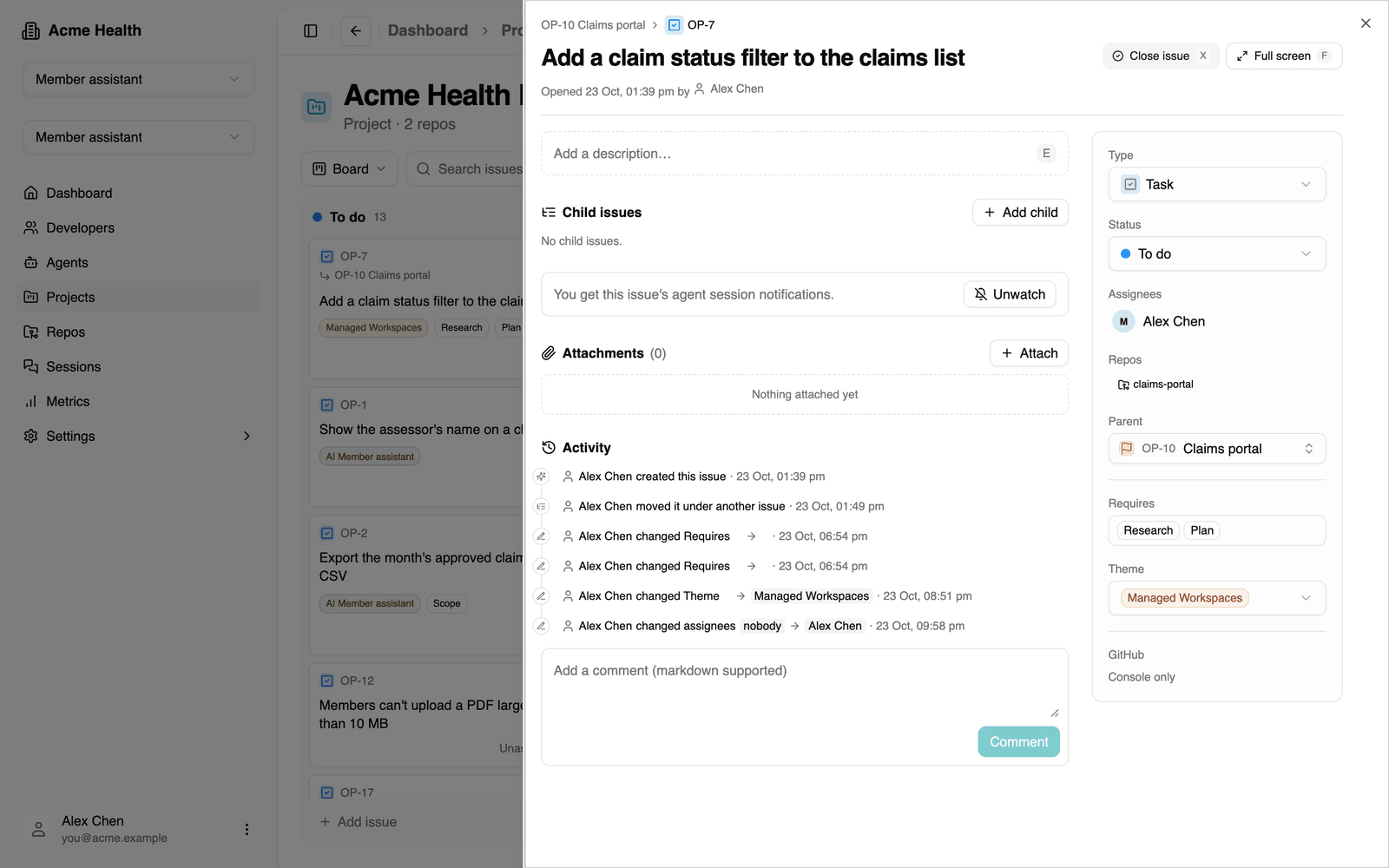
Collaboration Hub / request
Collaboration Hub: priorities

Priorities

Your priorities, set by the people who own them.

Every request becomes an issue holding its requirements, conversation and history. Product owners, commercial stakeholders and clients order the work against everything else in the mix, then send it for human review or into development.

  • One backlog for every request, from every stakeholder
  • Views for each audience, showing just what matters to them
  • Human review wherever you want it before work starts
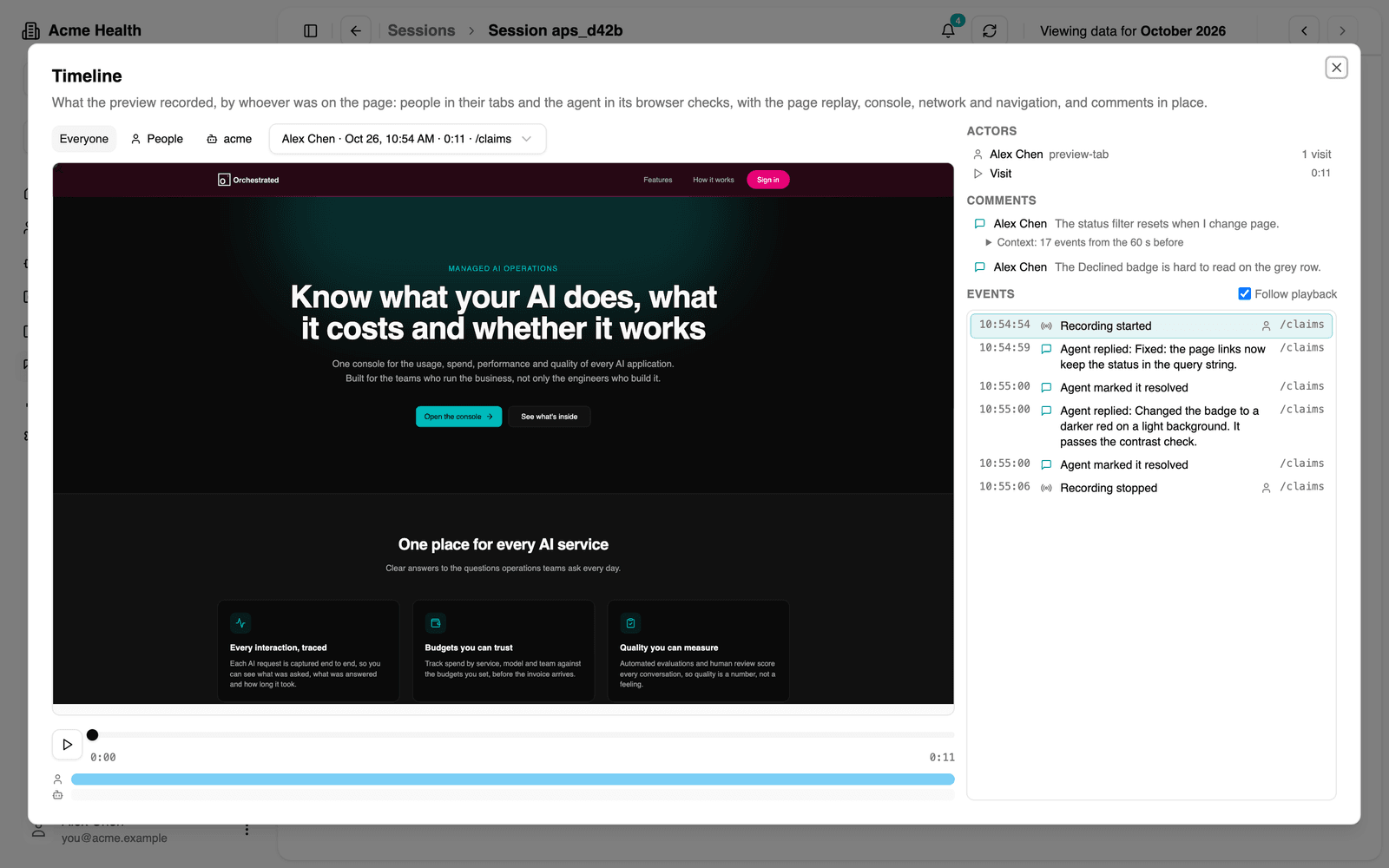
Collaboration Hub / replay
Collaboration Hub: recordings

Recordings

Show it, don’t describe it.

Record your screen as you use the product and the team sees exactly what you saw, with every comment in place on the timeline.

  • Jump from any comment to the moment it was made
  • Recording only when you turn it on
  • Limits your admins control

Built for the people who own the product

Everything in one workspace

  • Feedback on the live product

    Comments pinned to the page, with screenshots, from anyone you share it with.

  • AI business analyst

    Guided requirements definition, grounded in how the product actually works.

  • Prototypes before build

    See what the outcome could look like before committing to it.

  • One prioritised backlog

    Every request from every stakeholder, in the order that matters.

  • Views for every audience

    Boards and lists filtered to what each team, stakeholder or client needs to see.

  • Review or build

    Send work for human review, or straight to AI agents to deliver.

  • Screen recordings

    Show exactly what happened, with comments on the timeline.

  • Private and secure

    Behind your sign-in, shared only with the people you choose.

Coming next

On the roadmap
  • Voice comments

    Point at part of the page and explain what you want, out loud.

  • Annotated screenshots

    Highlight and draw on a screenshot as part of your feedback.

  • Customer feedback portal

    Bring feedback from customers, sales, support and leadership into the same backlog.

Bring everyone into the build.

Talk to us about using Collaboration Hub with your product owners, stakeholders, clients and teams.