Orchestrated

Knowledge Centre

Documentation that keeps up.

Point it at your applications and AI agents write clear documentation for every audience, with diagrams and screenshots, then keep it current as your systems change.

In development · For business users, engineers and security teams

Orchestrated docs
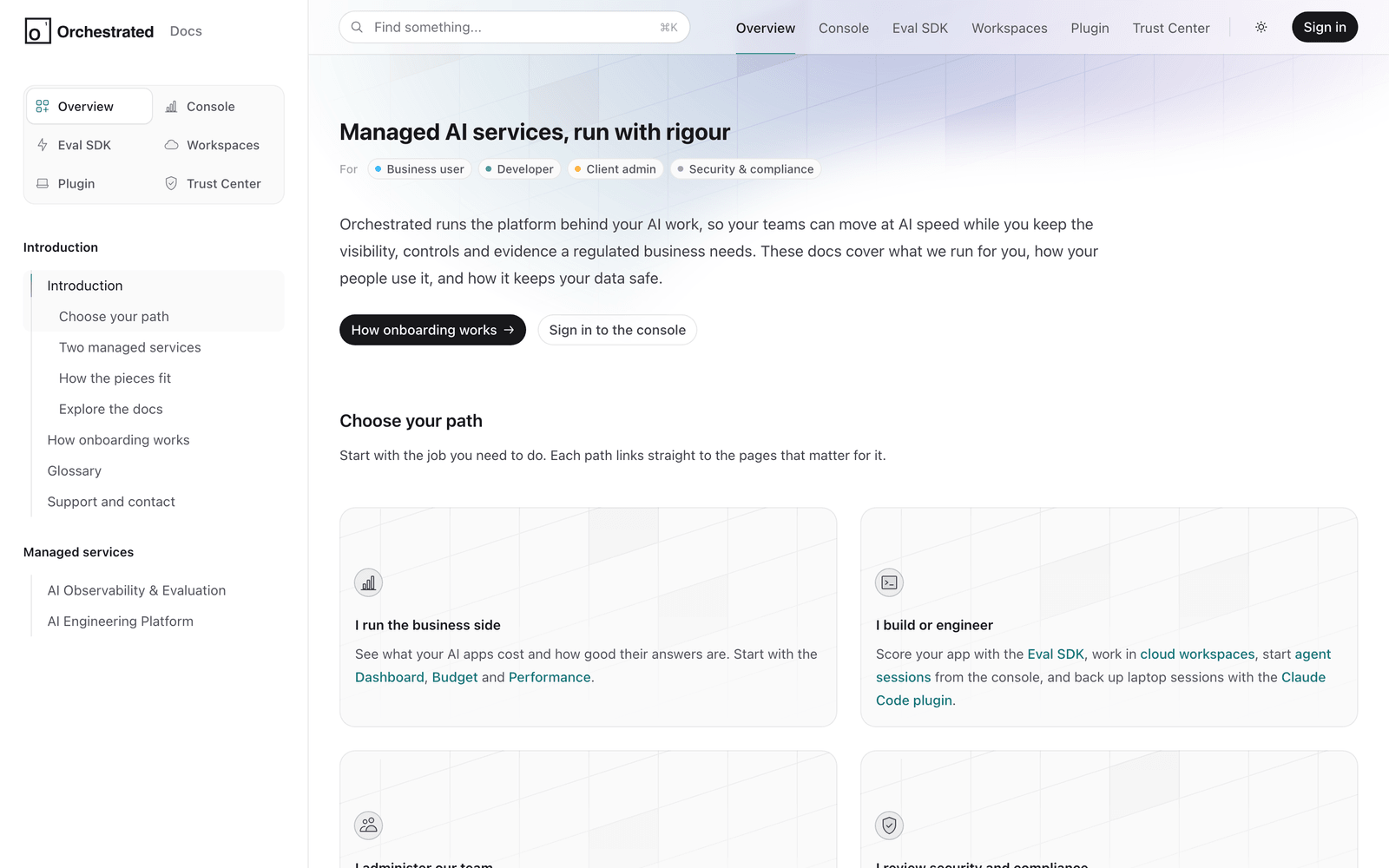
Orchestrated's documentation home page: an introduction, audience tags and a choice of reading paths by role

Our own product documentation, written and kept up to date by Knowledge Centre.

How it works

Agents do the reading, writing and screenshotting, and check back regularly for anything that has changed.

  1. 01

    Read

    Agents read the source code of the applications you choose.

  2. 02

    Plan

    A content plan for each audience you choose, such as business users, engineers and security teams.

  3. 03

    Write

    Agents write each section in clear language, with diagrams that explain how things work.

  4. 04

    Capture

    Screenshots taken by logging in and finding each page, with personal data replaced by sample data.

  5. 05

    Keep current

    Regular checks find what has changed and update the content and screenshots.

Features

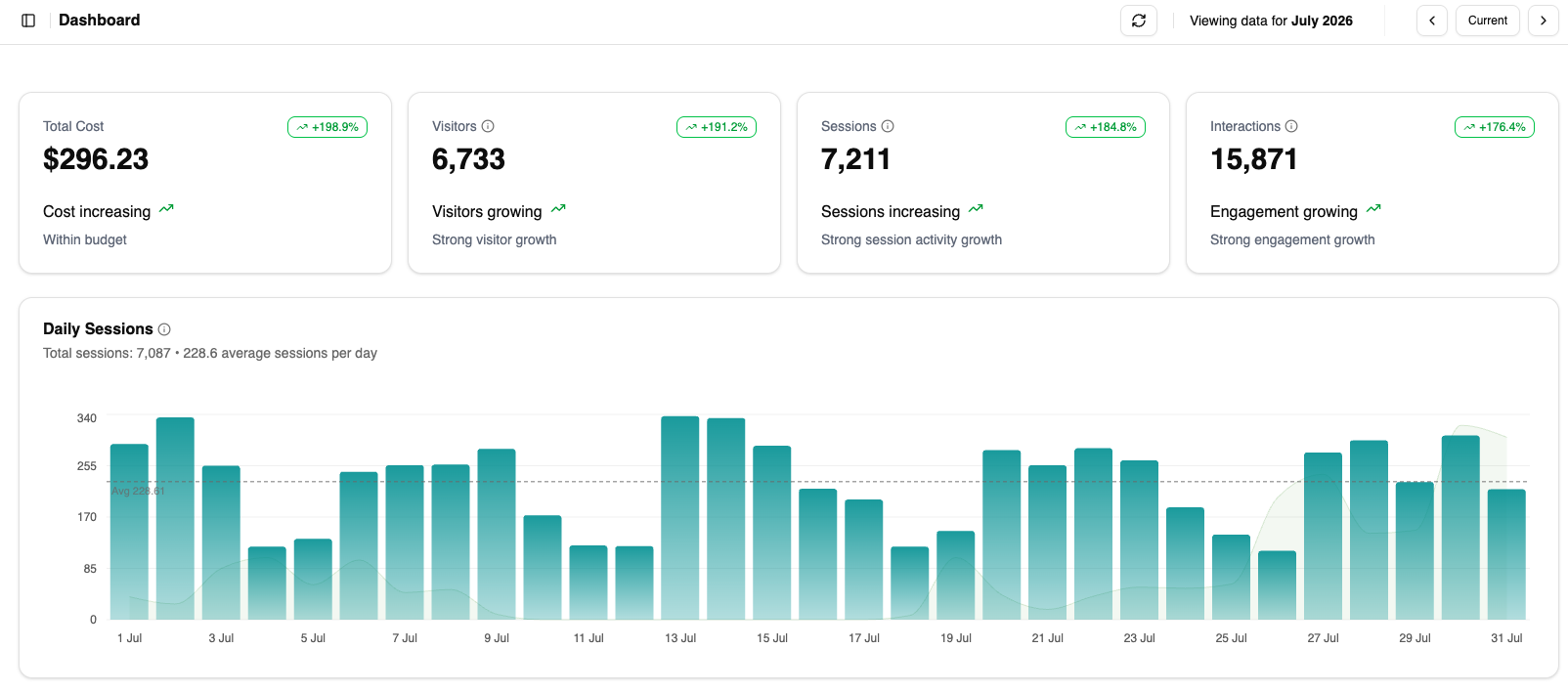
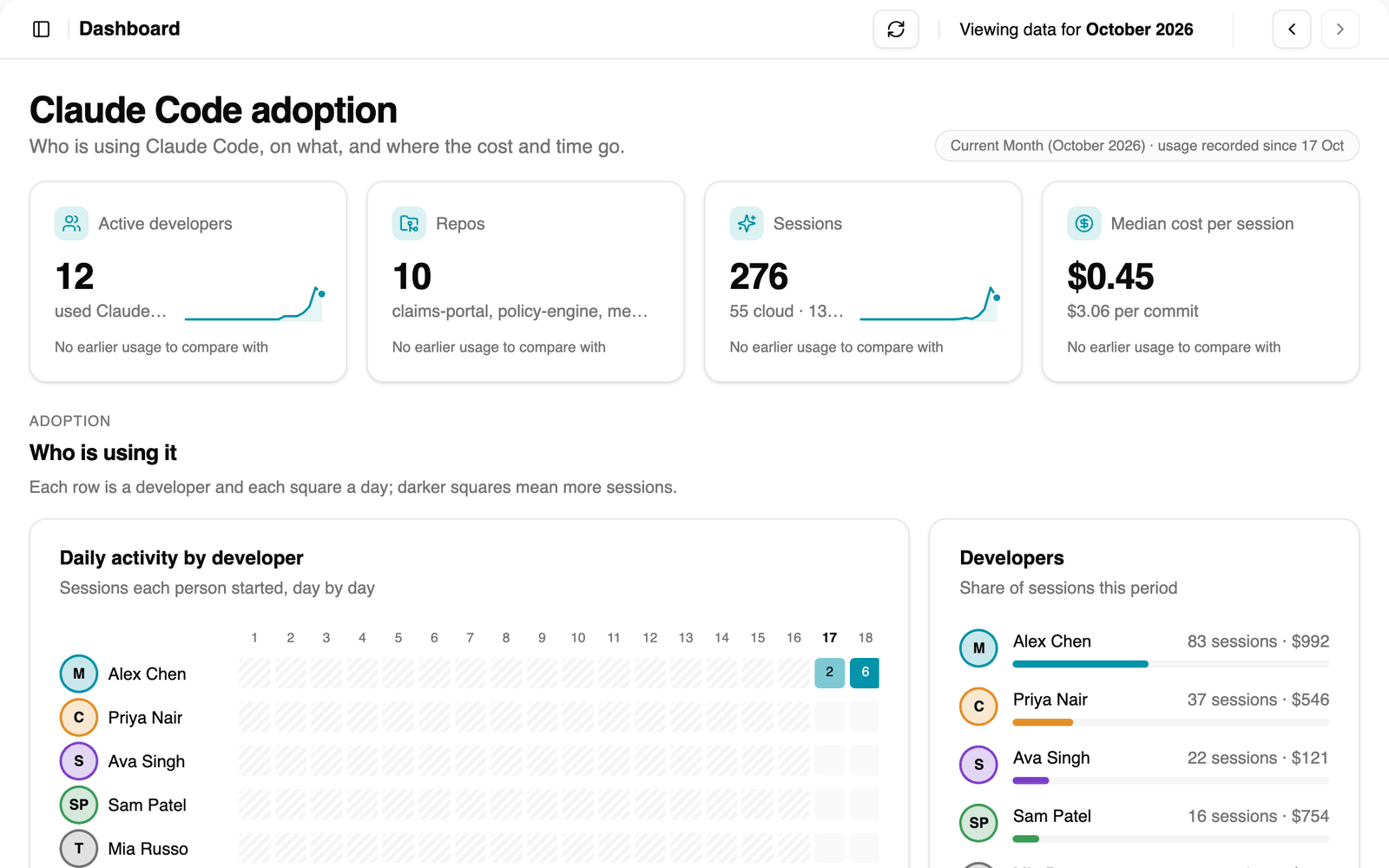
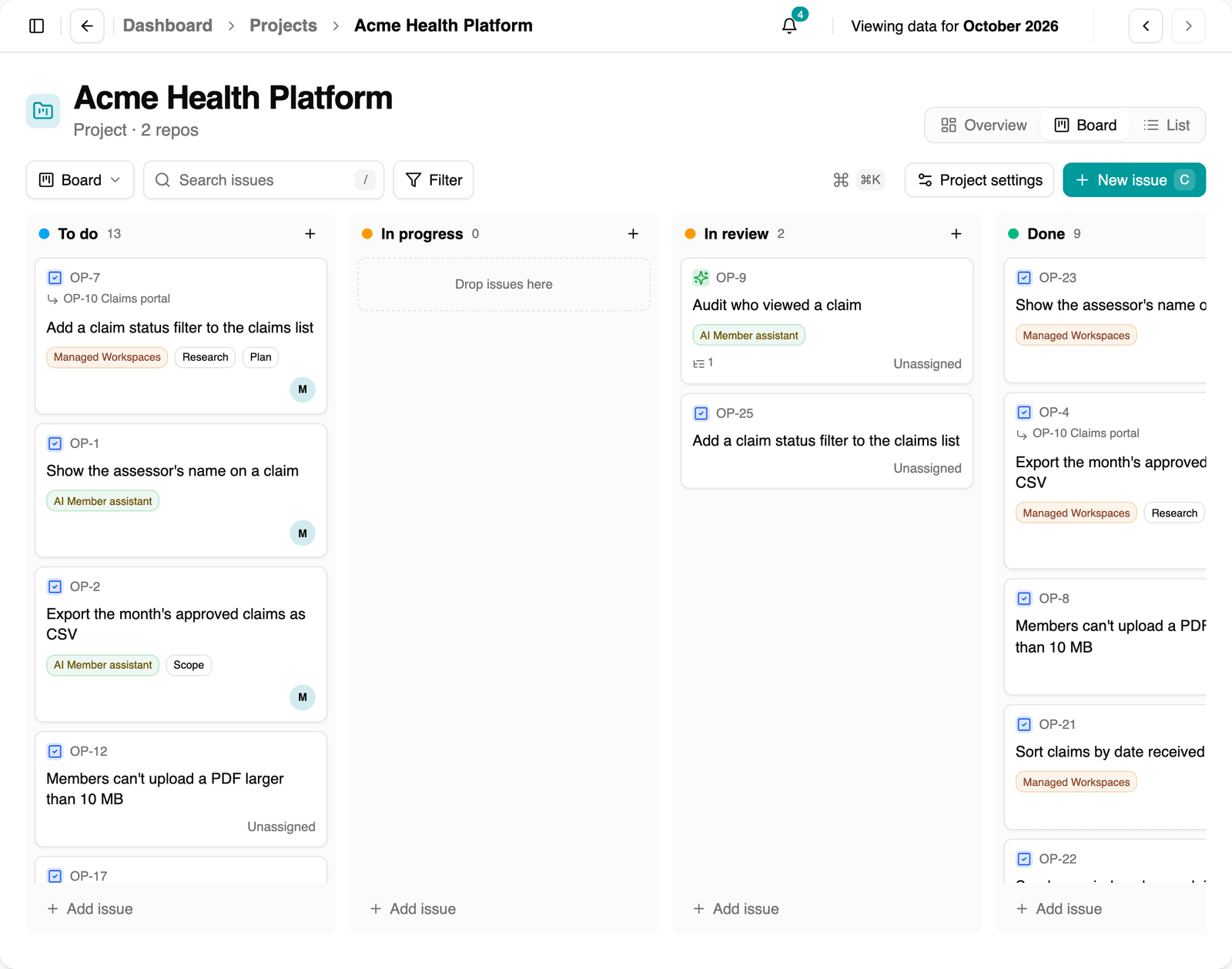
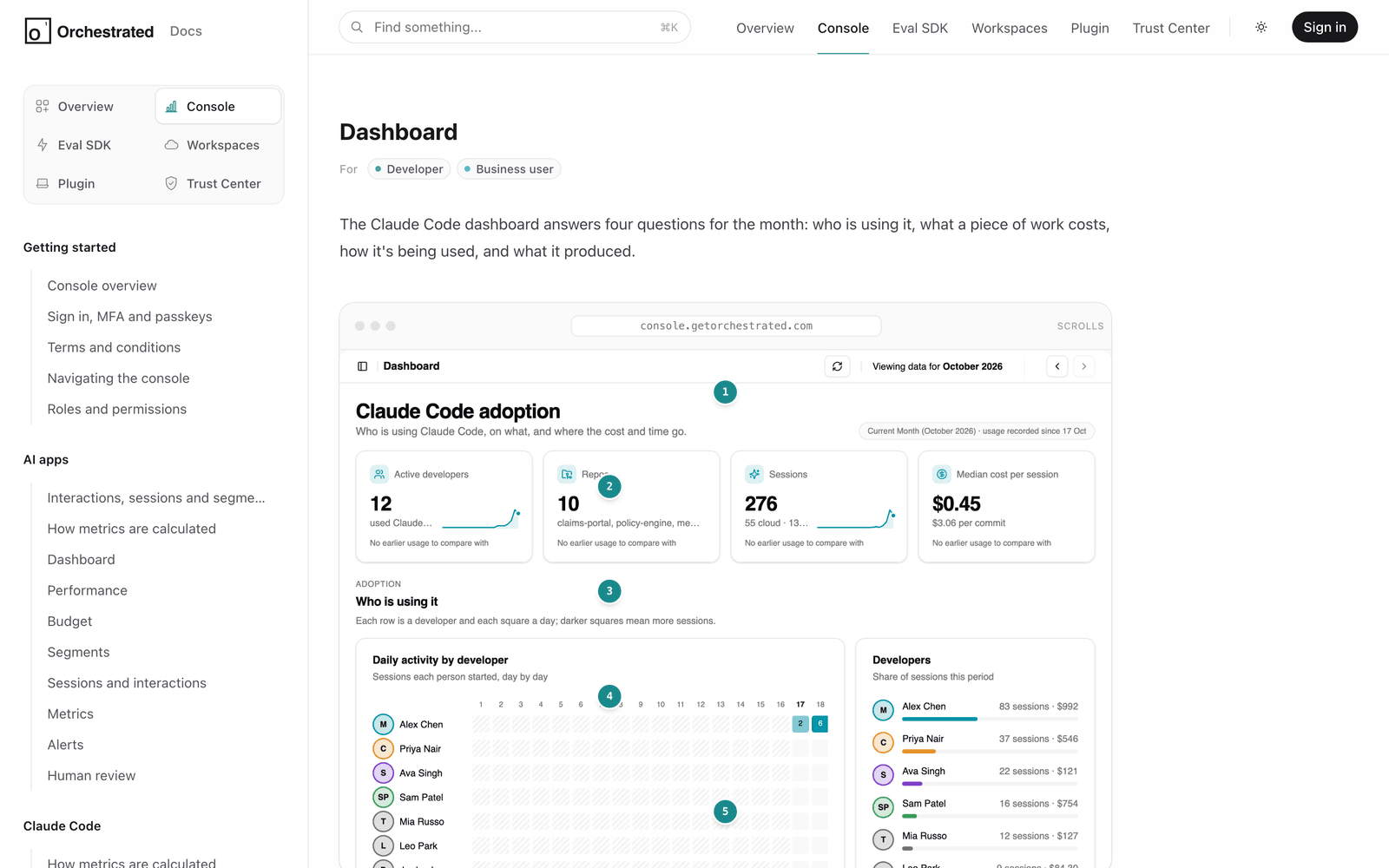
Orchestrated docs / console dashboard guide
Knowledge Centre: annotated screenshots

Annotated screenshots

Real screens, explained step by step.

Agents capture the live product with personal data replaced by sample data, and add numbered callouts that match the explanation. Each page is tagged for the readers it’s written for.

  • Numbered callouts tied to the text
  • Light and dark versions of every screenshot
  • Pages tagged by audience, such as Developer or Business user
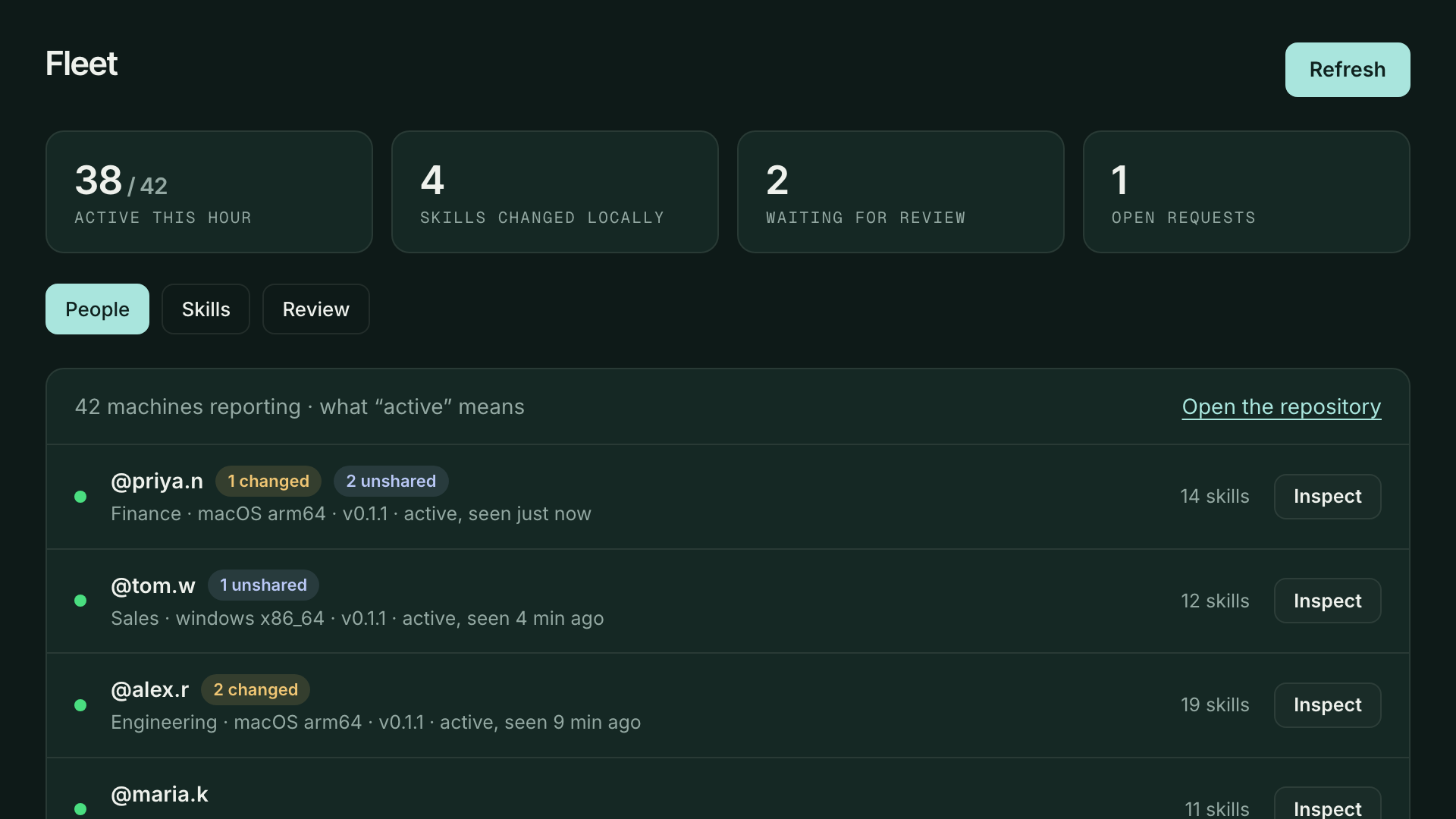
Orchestrated docs / trust center
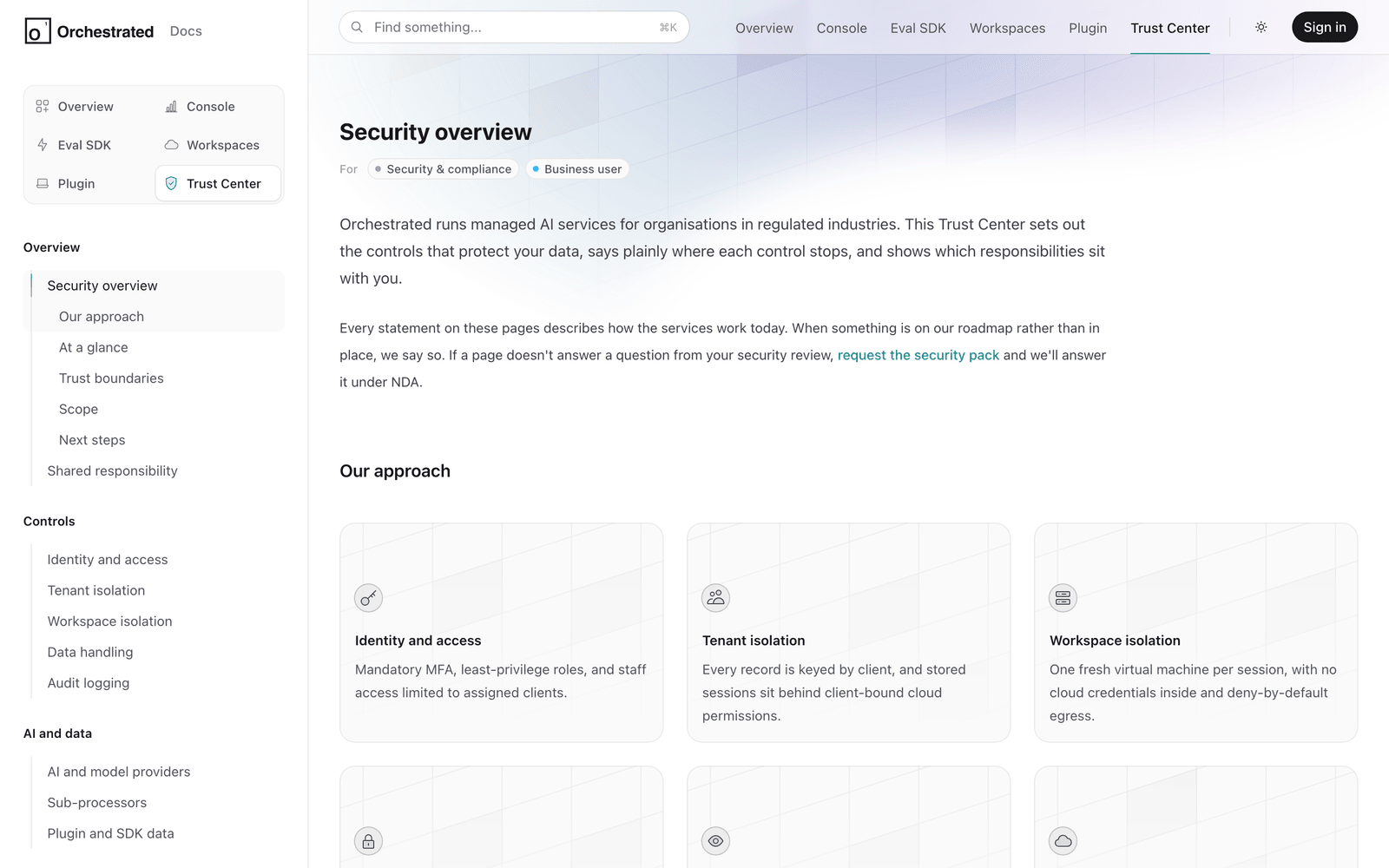
Knowledge Centre: trust center

Trust Center

Answer security reviews before they’re asked.

A trust centre written from how the system actually works: each control, where it stops, and which responsibilities sit with the customer.

  • Identity, tenant isolation, data handling and audit logging
  • What’s in place today, and what’s on the roadmap
  • Shared responsibilities set out plainly

Where it helps

What you get

  • Guides by audience

    Separate paths for business leaders, engineers and security teams.

  • Diagrams

    Diagrams generated to explain how each part of the system works.

  • Anonymised screenshots

    Real screens, with personal data replaced by sample data.

  • Change detection

    Regular checks that update content and screenshots when your systems change.

  • Trust centre

    Security and compliance documentation your customers' reviewers can work through.

  • Feature guides

    Step-by-step guides to every feature, down to keyboard shortcuts.

  • Linked to your code

    Every page knows which part of the system it covers, so updates land in the right place.

  • Web applications

    Works with any application agents can navigate in a browser.

Documentation that never falls behind.

Talk to us about pointing Knowledge Centre at your applications.